
Eliminate Paper Clutter with a Scansnap Scanner and Evernote
Apr 12, 2021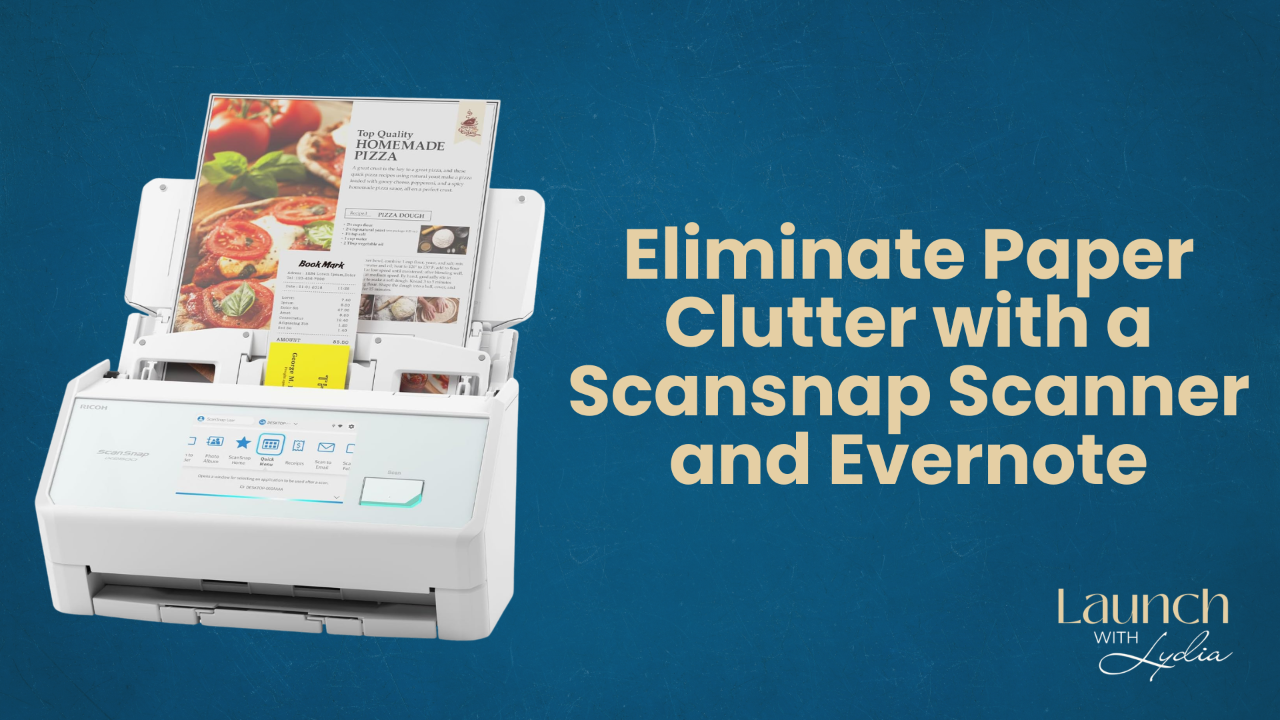
Originally published April 2021. Updated June 2026.
This post contains affiliate links, which means I may earn a small commission if you make a purchase, at no extra cost to you. I only recommend tools I use and love.
Quick note before we dive in: my friend Stacey Harmon, an Evernote Certified Expert, is running a live 4-day challenge called Starting Fresh with Evernote on June 22-25, 2026. If your Evernote account (or your paper pile) needs a reset, save your spot here. More details at the end of this post.
I'm often asked what tools I use to keep my life and business organized.
The tool I use daily is Evernote.
After 17 years of drowning in piles of paper and struggling to implement a system where I could easily store and access information, this tool had a tremendous impact on my life when I started using it in 2013.
Evernote allows you to transform your physical filing cabinets into an online system that you can access from any device. If you've ever spent hours looking for that ONE piece of paper, you'll appreciate Evernote's search functionality which gets you to what you need with a click.
Once I set up my Evernote Notebooks with categories such as home, auto, tax receipts, schoolwork, medical records, training, resources, etc., I needed a way to quickly get my paperwork piles into Evernote.
That year my husband gave me the best Christmas present I could have received... a ScanSnap Scanner.
Yes, more exciting than flowers or jewelry, this scanner is still one of my favorite Christmas gifts to date, because it allowed me to ELIMINATE paper clutter that had been overwhelming me for 17 years.
As soon as paperwork enters my home, I SORT - SCAN - SHRED!
With the click of a button, my ScanSnap Scanner places that physical information into my Evernote account. I title it and save it into the appropriate Notebook.
By eliminating paper and having an online system, my information is safe and easy to access and share from anywhere. It's increased my productivity and my sanity!
No more wasting time looking for information or being overwhelmed by clutter.
Thanks to Evernote, I now have an ONLINE system for my life and business.
Ready to be paper-LESS and clutter-FREE?
Get yourself an external scanner. I recommended the ScanSnap iX1600 for years, but that model has now been discontinued and an upgraded option is available.
Quick note if you've been following along since this post was first published: ScanSnap scanners were originally made by Fujitsu, but the brand is now part of Ricoh. Same beloved scanner line, new name on the box.
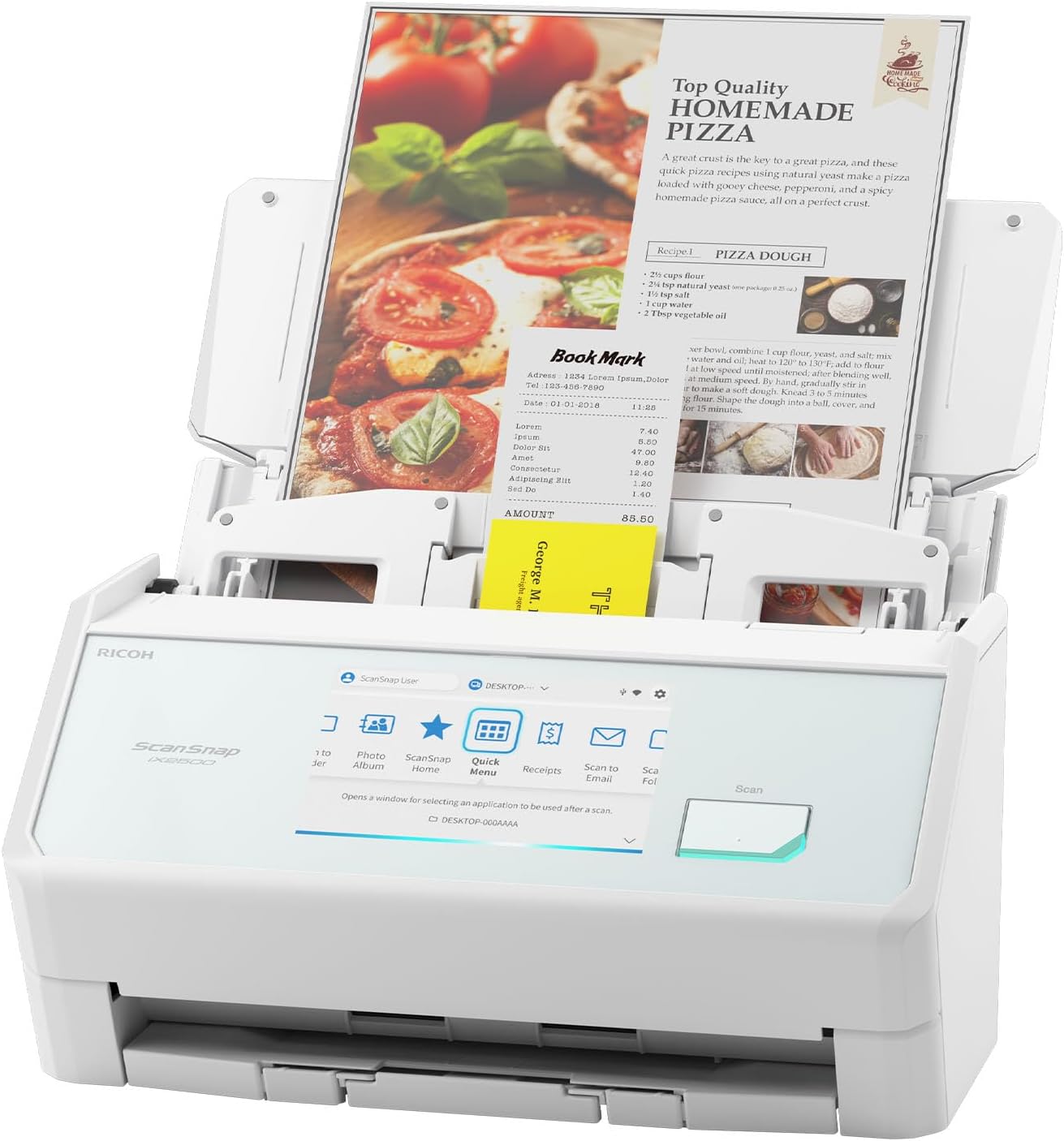
The newest model, the ScanSnap iX2500, scans instantly into Evernote or other applications of your choice.
It is the perfect, compact size and comes with a document feeder. It can scan up to 100 pages at a time (single side or both sides) with the push of a button... at speeds up to 45 pages per minute.
Scan documents directly to the cloud and access them from anywhere. It's compatible with Dropbox, Google Drive, Evernote, and more.
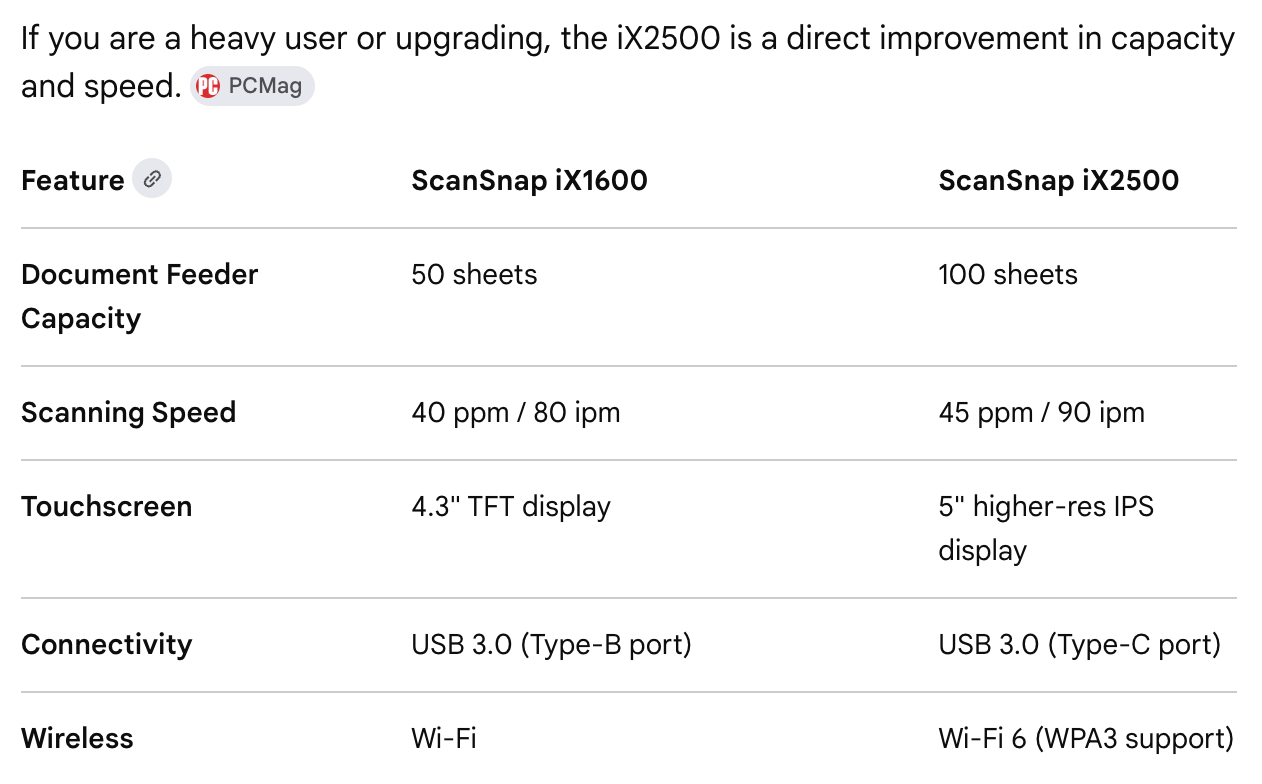
For those who own the iX1600, here's a comparison of features from PCMag so you can decide if an upgrade is needed.
I am still using my iX1600 scanner almost daily!
Scan without the need for a computer directly to these cloud-based systems.
Prices can fluctuate on Amazon so keep an eye out for price drops. I've also had clients find amazing deals by searching for ScanSnap scanners on eBay and Facebook Marketplace.
Aren't ready to invest in a scanner? You can use the Evernote app on your mobile devices to SCAN documents into your Evernote account! There are other scanning applications available as well.
Need a shredder? HERE IS THE ONE I USE
Want help actually setting up Evernote?
A scanner is only as good as the system behind it. And Evernote has added so much in the past few years that even longtime users are missing some of its best features.
So when my Evernote friends need help, I send them to someone I actually trust.
Stacey Harmon is an Evernote Certified Expert, and she's running a live 4-day challenge called Starting Fresh with Evernote. ☀️
It's happening June 22-25, 2026, and it's the perfect way to set up (or reset) your Evernote system with expert guidance instead of figuring it out alone.
☀️ Here's the link to join: lydiamartin.info/evernotechallenge
Happy Scanning!
❤️ Lydia
P.S. Ready to simplify your life and streamline your business? Get The Digital Clutter Cure.
Want to be updated when new episodes are released?
Simply enter your email below!
We keep emails safe and spam free.